Photo Capture
Responsive viewfinder and shutter with manual controls for EV, shutter speed, ISO, focus, and white balance.

Focused viewfinder, intuitive manual controls.
Fine-tune EV, shutter speed, ISO, focus, and white balance with a live histogram and zebra overexposure warnings. Built on native iOS camera frameworks.
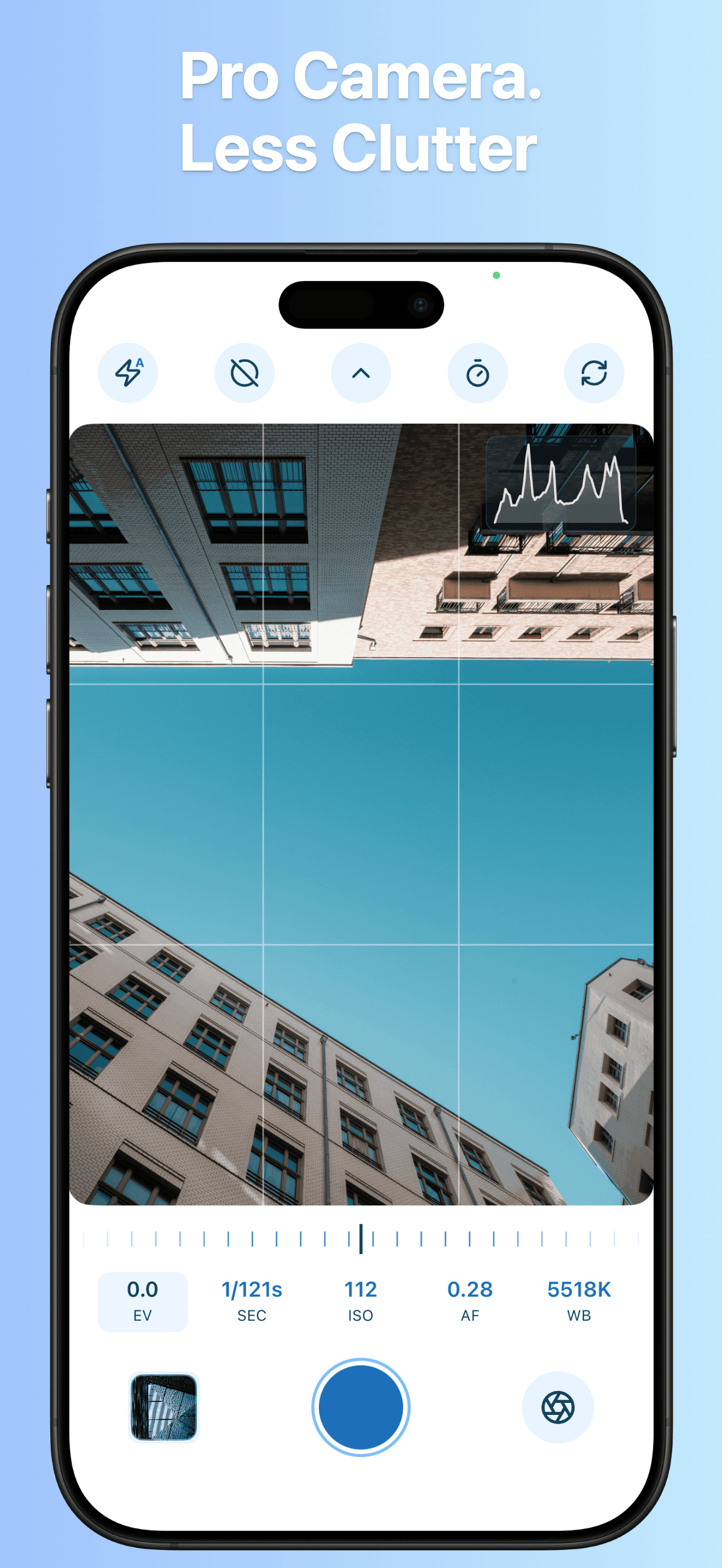
Capture photos, record video, shoot dual-camera footage, and inspect results with direct manual controls and real-time exposure aids.
Responsive viewfinder and shutter with manual controls for EV, shutter speed, ISO, focus, and white balance.
Record at 4K and 60 fps with 10-bit HDR support on compatible devices and clear status monitoring.
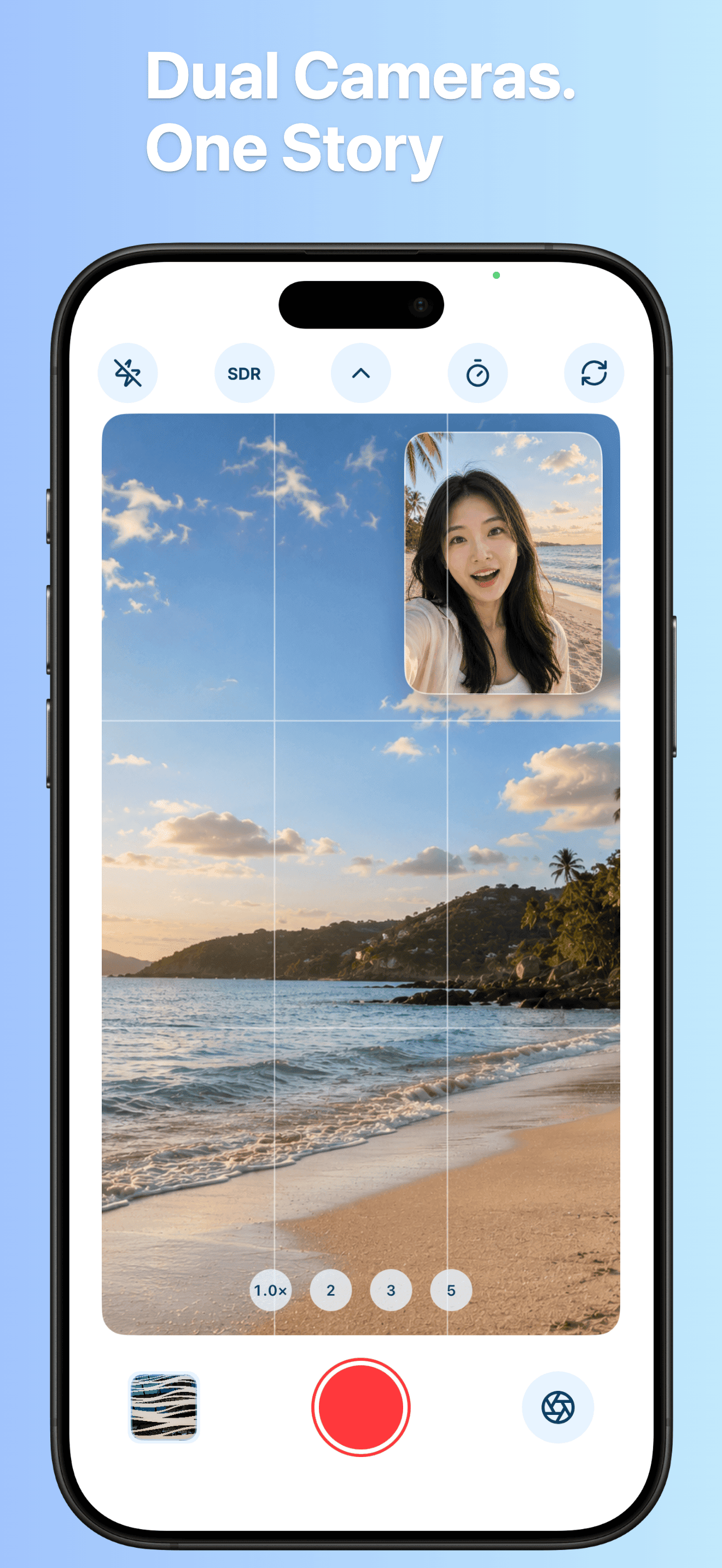
Record front and back camera views at the same time with an interactive picture-in-picture window.
Inspect shots immediately with full EXIF parameters, color profiles, resolution data, and quick playback.
Adjust EV, shutter speed, ISO, focus, and white balance directly from the toolbar. A live luminance histogram and zebra pattern warning let you evaluate exposure before pressing the shutter.
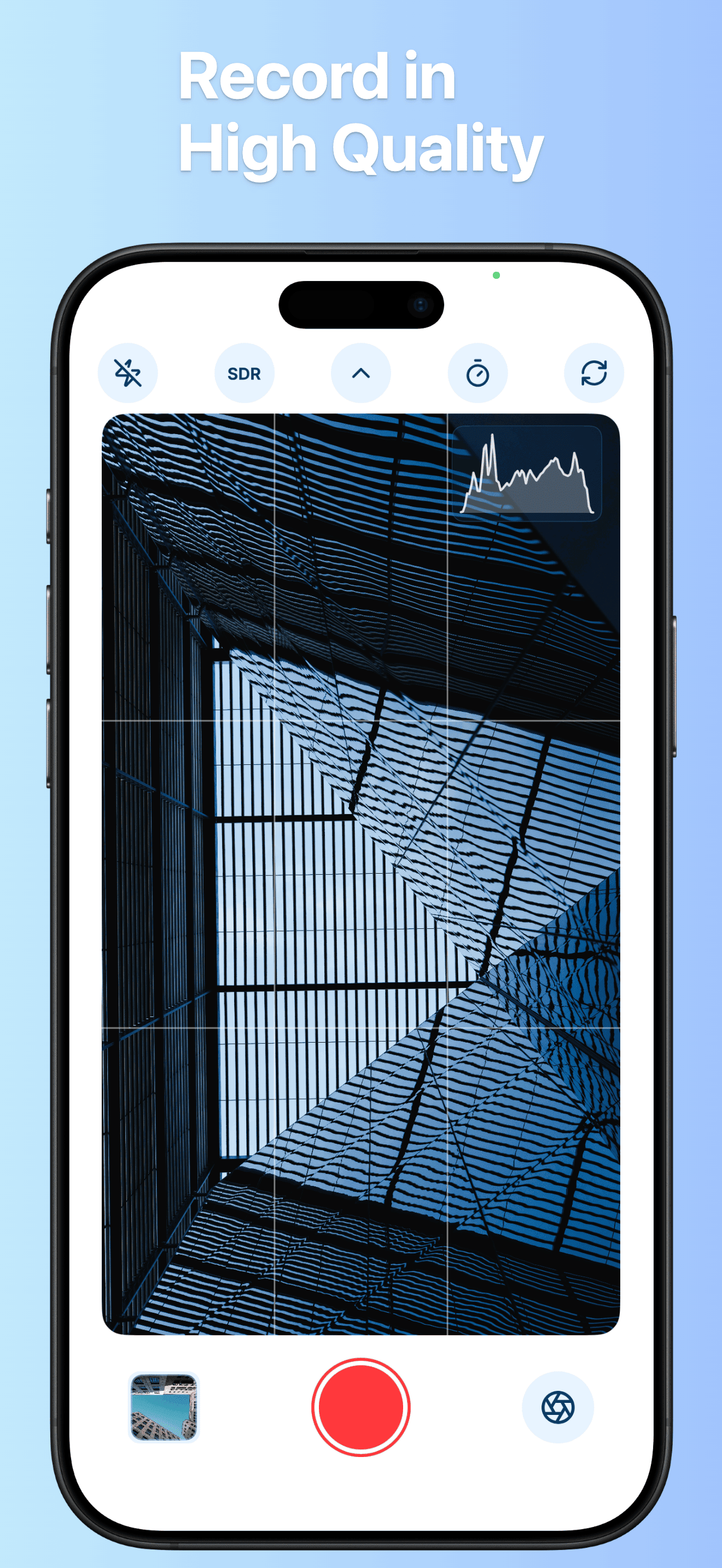
Video mode keeps parameters visible and composition lines active. Supported devices can capture 10-bit HDR video with clear elapsed-time counters and status indicators.
On supported hardware, record the scene and your reaction simultaneously. Drag the picture-in-picture window anywhere on screen. Useful for vlogs, walkthroughs, reviews, and travel stories.
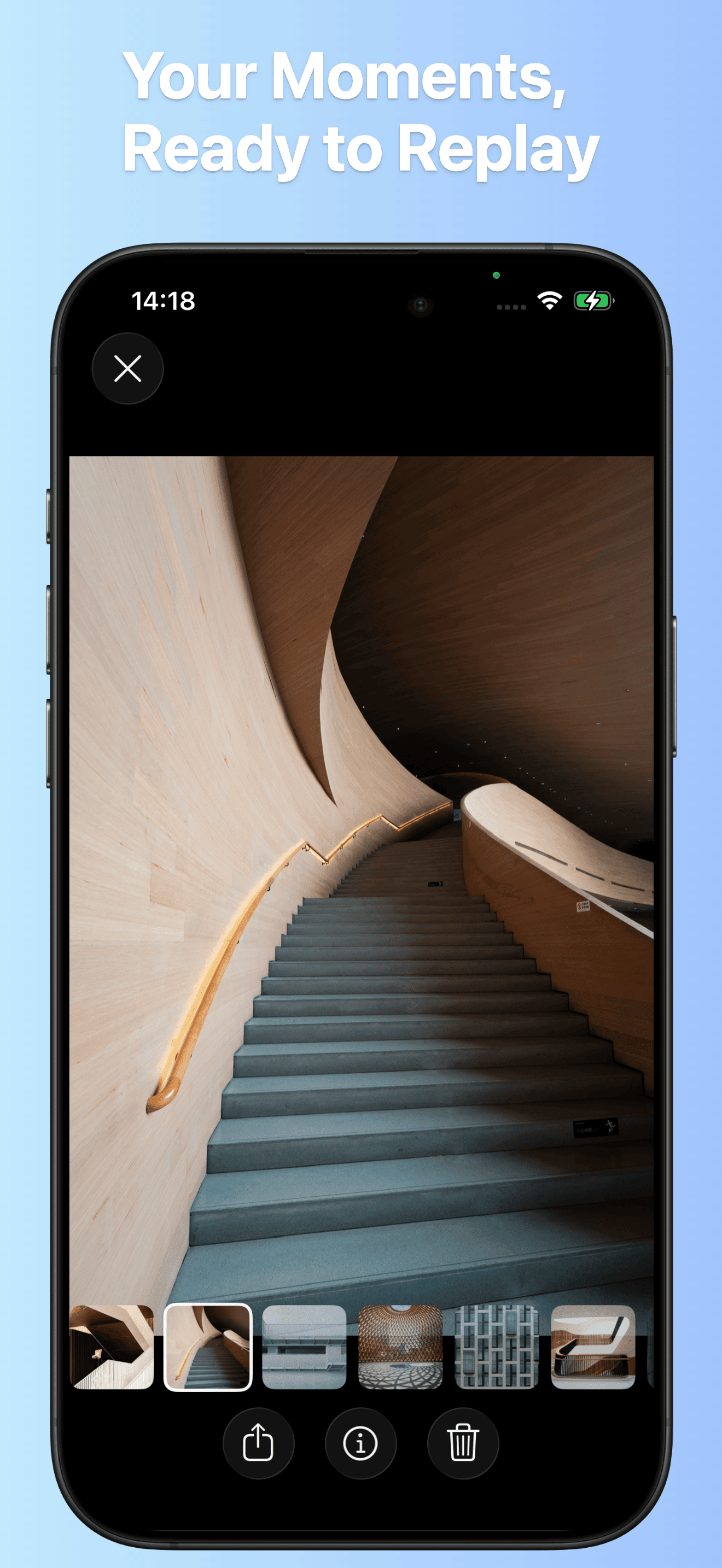
Tap the thumbnail to view recent captures, complete EXIF metadata, lens focal lengths, and resolution details without leaving the camera.
Three advanced tools belong to Prismark Pro, unlocked permanently with a single purchase. Everything else in Prismark is included, with nothing further to pay. It is not a subscription: no recurring charges, no renewal cycles, and nothing to cancel.
Load .cube and Hald PNG files alongside the built-in filters, with the same fine-grained intensity slider.
Save raw sensor data on supported models for maximum dynamic range and color latitude in post-processing.
Record both cameras in a single 10-bit HDR clip that preserves both your perspective and the scene.
Nothing else costs extra: manual shutter and ISO controls, built-in filters, 4K 60 fps recording, HDR video, photo watermarks, and composition aids. If you downloaded Prismark before Prismark Pro was introduced, all three features remain unlocked for you.
Available for iPhone and iPad. Prismark Pro is an optional one-time purchase; nothing else in the app costs extra.
Download on the App Store